

Building a Simple API Proxy with Cloudflare Workers
Introduction
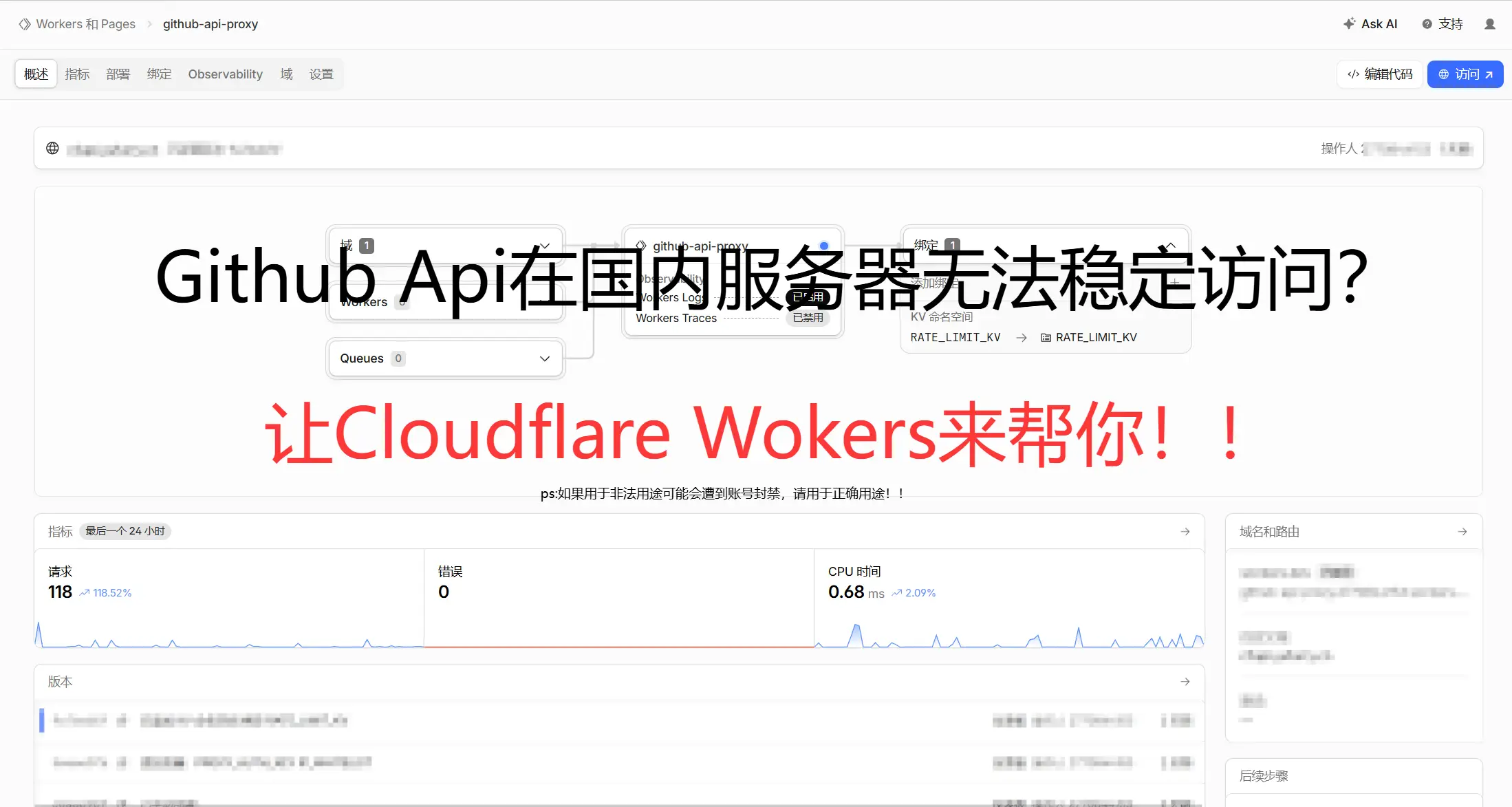
A couple of days ago, while integrating GitHub OAuth login into my website, I ran into a problem – mainland China servers can’t directly access the GitHub API. I’m sure many developers have encountered this issue, as GitHub’s API is often unstable or times out when accessed from within China.
There are several solutions: buying an overseas server to set up a proxy, using a VPN, using a third‑party proxy service, etc. Considering cost and stability, I ultimately chose to use Cloudflare Workers to build a simple API proxy.
Why Cloudflare Workers?
- Generous free tier – 100,000 free requests per month, which is more than enough for personal projects
- Global CDN acceleration – Cloudflare has nodes worldwide, providing fast access
- Simple deployment – Just a few lines of code, deployable directly from the Dashboard
- No server management – Zero infrastructure to maintain
As for the other options, here’s why I didn’t choose them:
- Buying an overseas server – Too expensive; I wanted a near‑zero‑cost solution
- Using a VPN – Essentially circumventing the firewall, which is illegal; using a proxy avoids this issue
- Third‑party proxy services – Stability and security are questionable compared to a self‑hosted solution
Implementation
The Cloudflare Workers code is very simple, written in JavaScript/TypeScript. The core idea is to forward requests to the GitHub API and return the response to the client.
export default { async fetch(request, env, ctx) { // Handle OPTIONS preflight requests if (request.method === "OPTIONS") { return new Response(null, { headers: { "Access-Control-Allow-Origin": "*", "Access-Control-Allow-Methods": "GET,POST,OPTIONS", "Access-Control-Allow-Headers": "Content-Type" } }); }
const reqUrl = new URL(request.url); let targetUrl;
// /login path proxies to github.com, all others to api.github.com if (reqUrl.pathname.startsWith("/login")) { targetUrl = `https://github.com${reqUrl.pathname}${reqUrl.search}`; } else { targetUrl = `https://api.github.com${reqUrl.pathname}${reqUrl.search}`; }
// Forward the request const forwardReq = new Request(targetUrl, { method: request.method, headers: request.headers, body: request.body });
const resp = await fetch(forwardReq); const newResp = new Response(resp.body, resp); newResp.headers.set("Access-Control-Allow-Origin", "*");
return newResp; }};Deployment Steps
-
Sign up for Cloudflare – Visit Cloudflare and create a free account
-
Create a Worker – In the Dashboard, expand “Compute” in the left navigation, click “Workers & Pages”, then click “Create Application” in the top right. Choose “Start from Hello World”, give it a name (e.g., “github-api-proxy”), and click “Deploy”
-
Paste the code – Navigate to your project page, click “Edit Code” in the top right, and paste the code above into the editor
-
Set up a route (optional) – If you have your own domain, you can set up custom routes in Workers & Pages → Routes. I strongly recommend binding your own domain
-
Deploy – Click “Deploy” and your proxy is live
After deployment, you’ll have your own GitHub API proxy, accessible at something like: https://your-worker.your-subdomain.workers.dev/
Usage Example
Where you previously called the GitHub API directly:
https://api.github.com/userNow change it to:
https://your-worker.your-subdomain.workers.dev/userImportant Notes
-
Rate limiting – The GitHub API has rate limits. Since your proxy still uses a single IP to make requests, be mindful of request frequency
-
HTTPS – Cloudflare Workers provide HTTPS automatically – no extra configuration needed
-
Security – The sample code above only ensures the service runs. In production, you should modify the code to add authentication, rate limiting, etc. – all easily achievable with a few code changes
WARNING
Using Cloudflare Workers to proxy GitHub may violate Cloudflare’s Terms of Service and could result in your account being banned. Please take necessary precautions – limit request frequency, add authentication, etc. Most account bans are caused by excessive request rates or the proxy endpoint being leaked without authentication, leading to abuse by malicious parties. We recommend using this solution only in test environments. For production use, proceed with caution and ensure proper security measures are in place. If possible, self‑host your own proxy server. This article is for learning and reference purposes only – we take no responsibility for any account bans or other issues arising from use of this solution.